5-Minute Quick Start
5 Minutes to Your First Task
This page covers only what you need to claim and complete your first task. Nothing extra.
Step 1: Check Your Email
When a task needs you, Five9 sends you an email.
Look for subject: "A new task requires attention"
The email shows:
- Customer name and phone
- What they need
- A link to claim the task
Step 2: Click the Link & Claim
- Click the link in the email
- You'll see the task details page
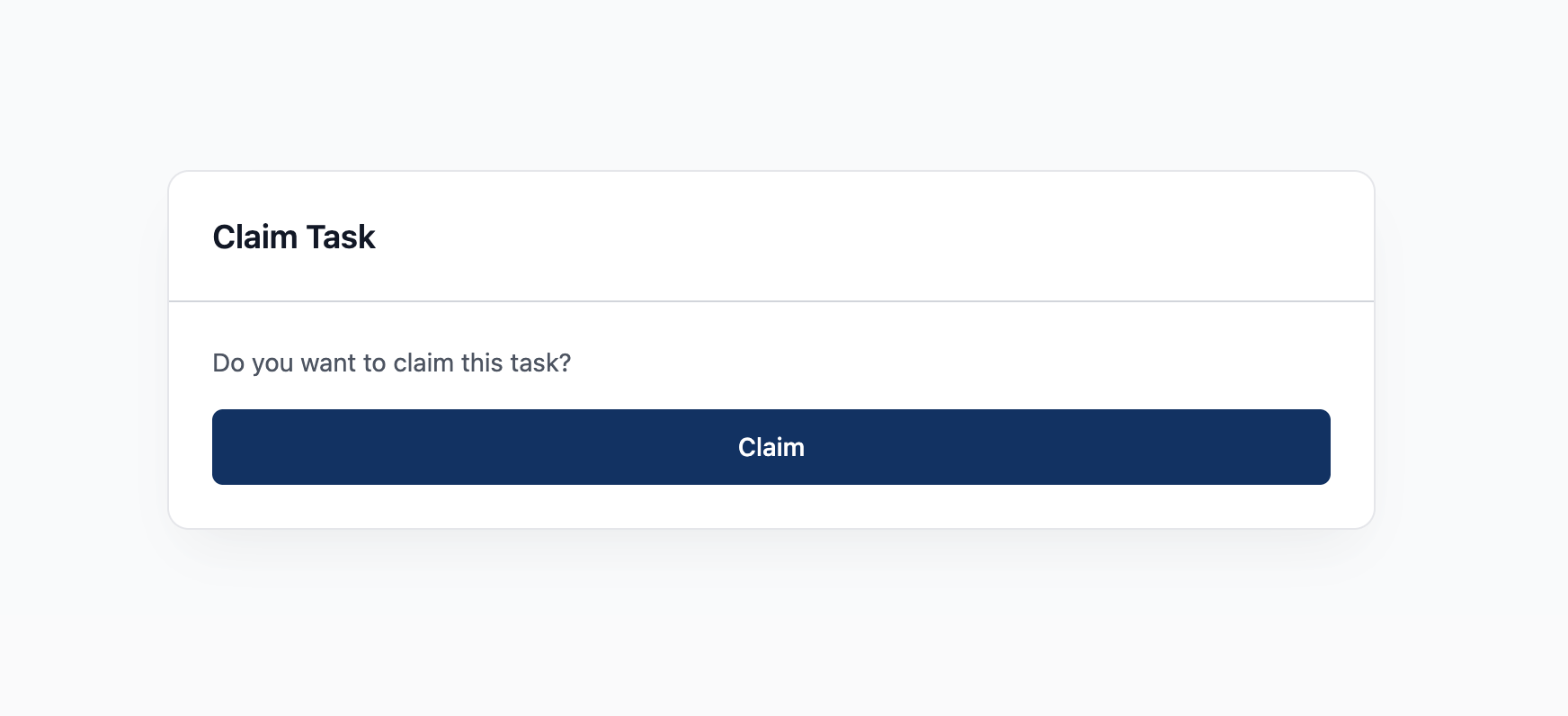
- Click "Claim Task" button (top of page)
Done. The task is now yours.
Step 3: Read the Summary
After claiming, you'll see:
- AI Summary - What the customer needs (read this first)
- Conversation history - What's already been said
- Customer info - Name, phone, address
Step 4: Contact the Customer
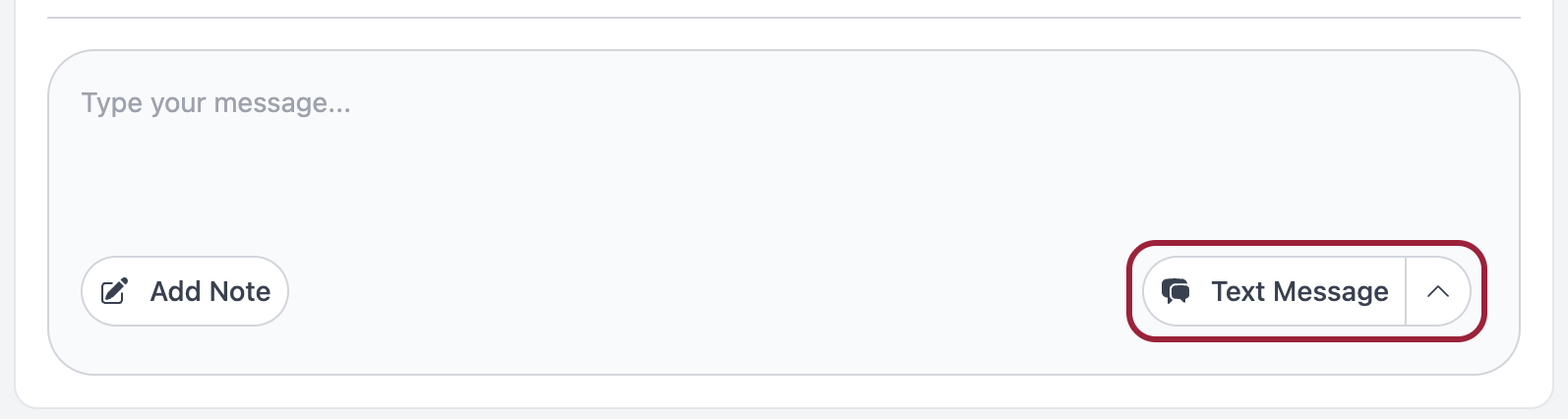
Look at the bottom right corner of your screen.
Click "Text Message" to expand options:
- Call - For most tasks
- Text - Quick questions
- Email - Detailed info
Choose one and contact the customer.
Step 5: Complete the Task
After helping the customer:
- Add a note - What happened, what was resolved
- Check off sub-tasks - If there are any
- Click "Complete" or "Close" button
You're done. Next email, next task.
That's It!
You now know enough to handle your first task.
Need more detail? → First Task Walkthrough
Something went wrong? → Emergency Quick Fixes